

Dictation that writes clean
Speak, and Scribla puts finished text into the email, note or chat: punctuated, with the ums gone. It also counts, translates and answers questions. The audio stays on the device.
Free on iPhone and on Mac
The image is downloading. Open it, drag Scribla to Applications and allow the microphone and Accessibility when macOS asks.
Have an iPhone? Point the camera at the code
It opens the App Store; installing takes a minute. Scribla exists only for iPhone and Mac.


Four modes. The mode decides what lands in the field
The chosen mode stays until you change it: no need to say “calculate” or “translate”.
- Text You sayum so hi aida good morning thanks a lot In the fieldHi Aida, good morning! Thanks a lot.
- Calc You sayfifteen percent of two thousand four hundred In the field360
- Translate You saydocuments received, we will reply by friday In the fieldDocumentos recibidos, respondemos antes del viernes.
- AI You sayreply that thursday does not work and suggest friday In the fieldUnfortunately, Thursday does not work for me. Could we move the meeting to Friday?
A “sounds like → spelled as” dictionary fixes names and terms for good: correct “en dee ay” once and it is NDA from then on.
On the Mac, the same thing with one key
An icon in the menu bar. Hold the right ⌘ and speak: the text lands at the cursor in any window. ⌘ + ⌥ answers what you said; add / for a translation.
- The image is signed and notarized by Apple: opens with a double click
- Apple Silicon and Intel, macOS 14 or later
- Dictation and dictionary work offline; answers and translation use the model
The image is downloading. Open it, drag Scribla to Applications and allow the microphone and Accessibility when macOS asks.
SHA-256 of the image
062ffad1955a57f7d96f24598c37171bf4439ff557bb943ce4c00b6144d84d94
The audio never leaves
Recognition on the device
Your phone or Mac does the listening. The recording never leaves it, so there is nothing for a server to keep.
What leaves in AI modes
Only the text of your question, to scribla.io and on to the model. Neither question nor answer is stored. The modes switch off in Settings.
No account, no ads
No sign-up, no card, no trackers. No session recording on this site either.
Three steps, and the first one only once
-
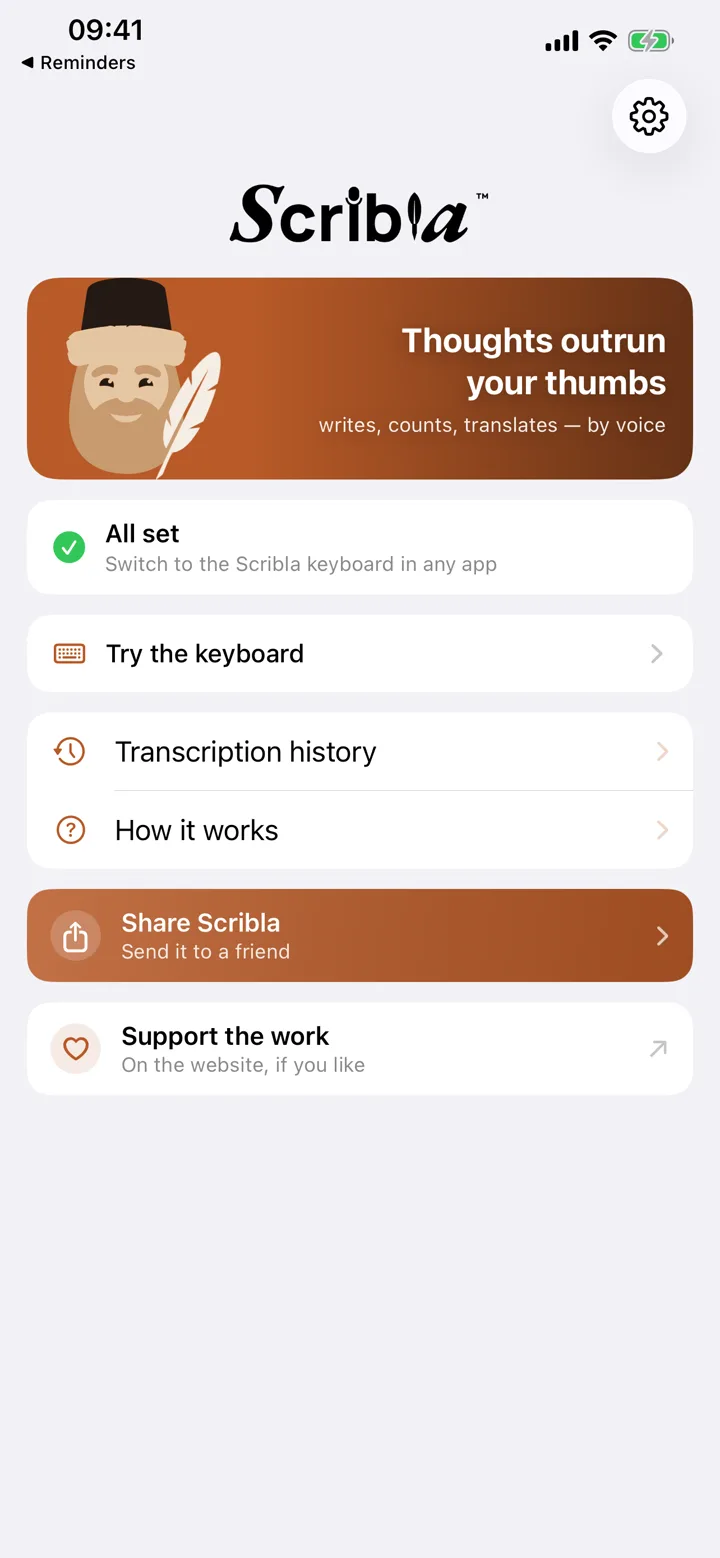
Enable the keyboard
Settings → General → Keyboard → Keyboards → Scribla. A minute, and you never come back to it.
-
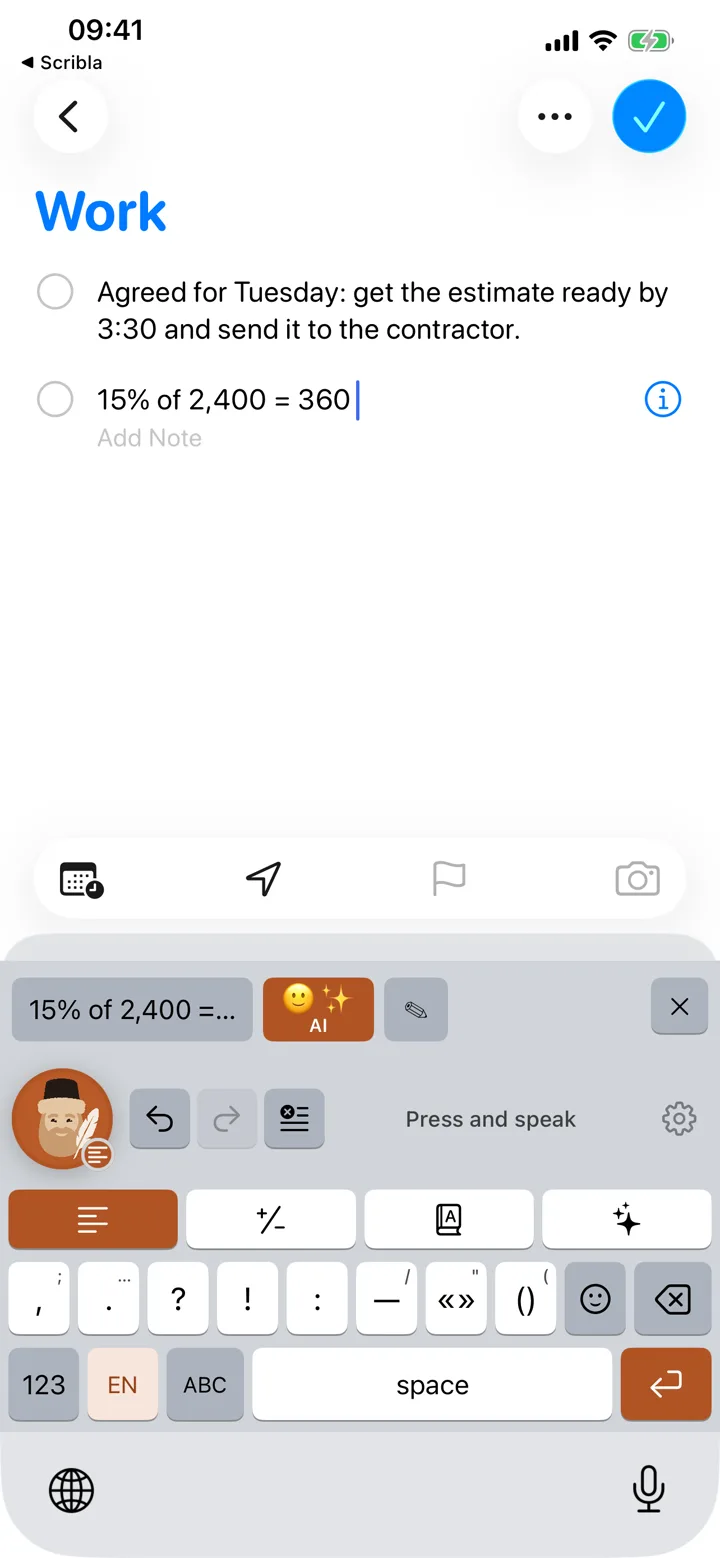
Tap the scribe
In any text field: messenger, mail, notes, search. The bearded scribe is the record button on the keyboard.
-
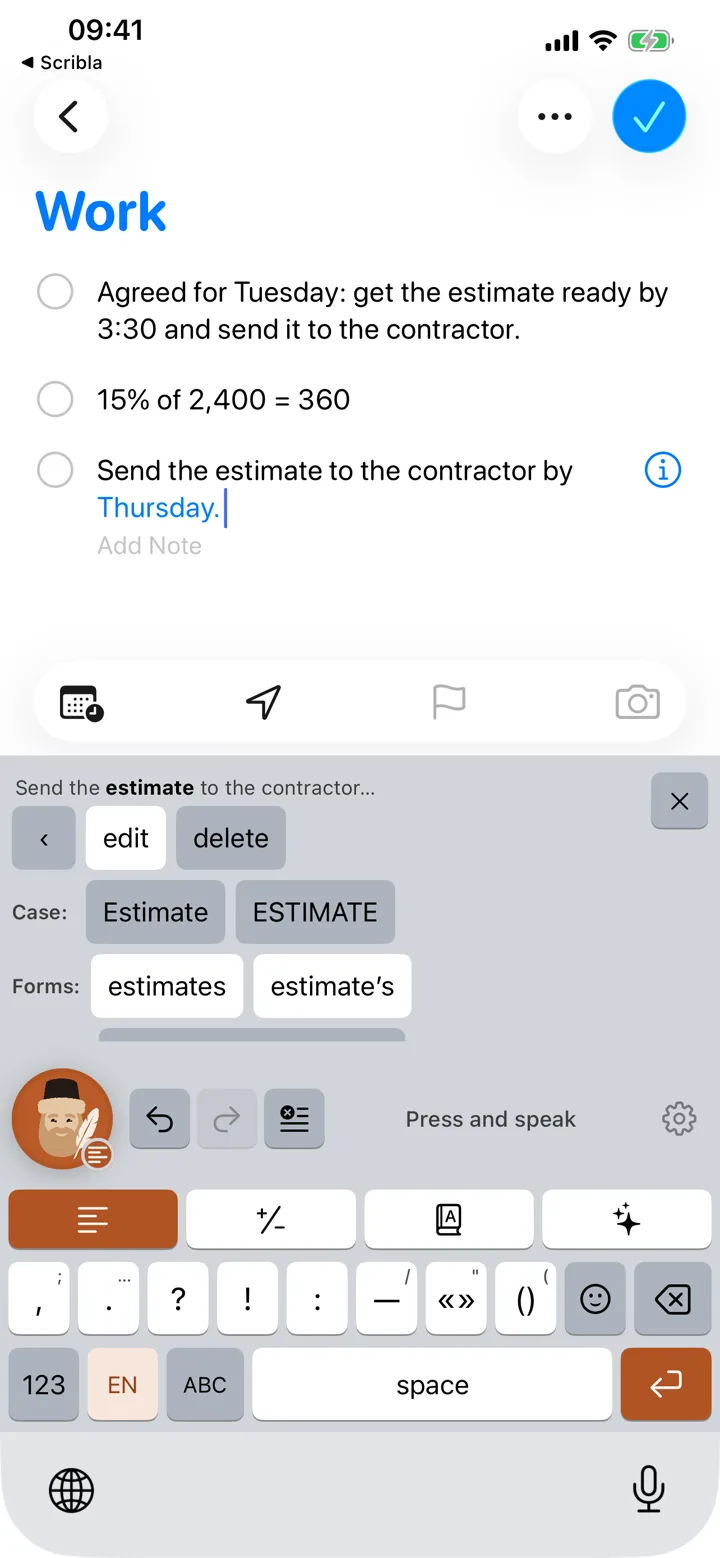
Speak
The text lands in the field by itself. Misheard a word? The edit bar is right there: change one word, not the whole phrase.
Questions
How is this better than the built-in dictation?
The built-in one writes for you too. On top of that Scribla drops the “ums” and repeats, remembers your own dictionary of names and terms, does arithmetic, translates and answers questions — all of it in the field you are in, without leaving for another app. Four languages are recognised on the device itself, offline included, and on the Mac it hears its key in any window. And it has a scribe.
What does it cost?
Nothing at the moment — everything is open, the AI modes included: answers, web search and polish. The key is ours and the bill for the model comes to us; no subscription, no account, no card. Whether anything becomes paid will be decided later and on the evidence: first it has to be clear that Scribla is useful to someone besides us. If that day comes, we will say so in advance rather than on the morning it happens.
The keyboard asks for Full Access — is that safe?
Full Access is needed for exactly one thing: to read the recognised text from the shared container, where the Scribla app itself put it. iOS offers no other way to get text into a keyboard. The keyboard never goes online and does not read what you type on ordinary keys.
How does the Mac version differ from the phone one?
In how you call it. On the phone Scribla is a keyboard: you switch to it and tap the scribe. On the Mac it is an app in the menu bar that hears the right ⌘ in any window, so there is nothing to switch to. Recognition, speech cleanup, the dictionary and the AI modes are the same. There are no emoji or word-by-word edit panels on the Mac: you have a real keyboard there.
It does not check for updates on its own: a new version turns up here.
Do I need a connection?
Dictation, speech cleanup, the replacement dictionary and arithmetic run on the device. So does translation, once the language pack is downloaded; without it, translation goes over the network. That leaves currency rates, AI answers and text polish.
Something isn’t working
Common breakages — microphone, Full Access, an empty field — are collected on the support page. If yours isn’t there, write: dev@scribla.io.
Write to us or support the work
What to fix, what’s missing
A small team makes Scribla, and nearly everything in it came out of somebody’s complaint. Don’t be polite about it — short and angry is more useful than kind and vague.
If Scribla turned out useful
The app is free and nobody funds the work on it. We do it in our spare time. Sending something is not a purchase: it unlocks nothing in the app and asks nothing of you afterwards. Three wallpapers with the scribe come with the receipt.
Opens Gumroad, which takes cards issued anywhere. The card is entered there, on their side, and none of it reaches this page.